The question each person asks themselves and what they do in Hypen One to find the answer.
The owner of a small company
Where does the team talk about work, separately from the groups on their personal phone?
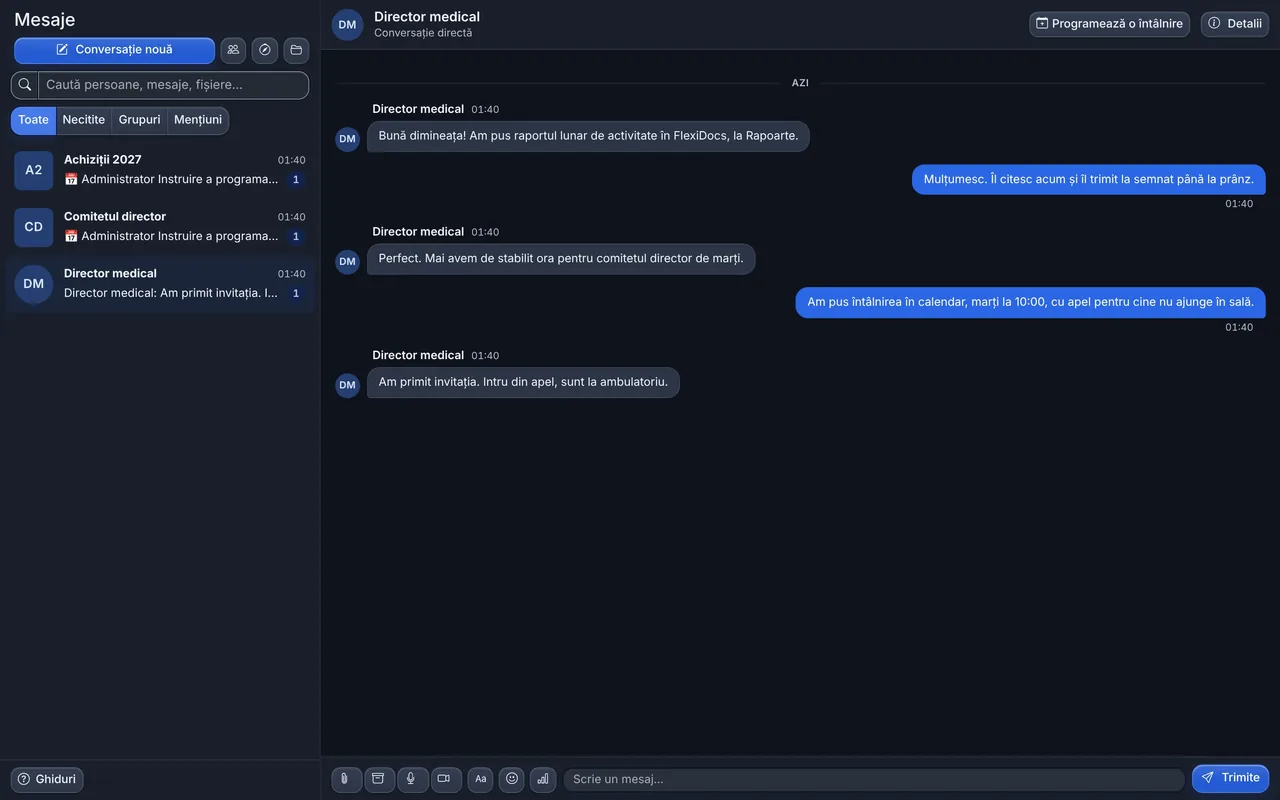
The team writes in one-to-one conversations, in groups and in teams with channels, with files and voice messages. From a conversation you start a video call. When someone leaves the company, you deactivate their account from the console.
The institution's director
How do I announce something to everyone and find out who has read it?
You publish the announcement to everyone or only to certain people. Each person confirms that they have read it, and you see who has confirmed. On the operational dashboard you track the indicators of the installed applications, and on a large screen, in TV mode.
The IT administrator
How many accounts do I create for a new employee?
Just one. You send them the enrolment link, and the person chooses their password and confirms their phone with an SMS code. You give them the common role, for example «Head Accountant», and access to each application they need. The application then opens the screens for its role.
Employee
What do I have to do today?
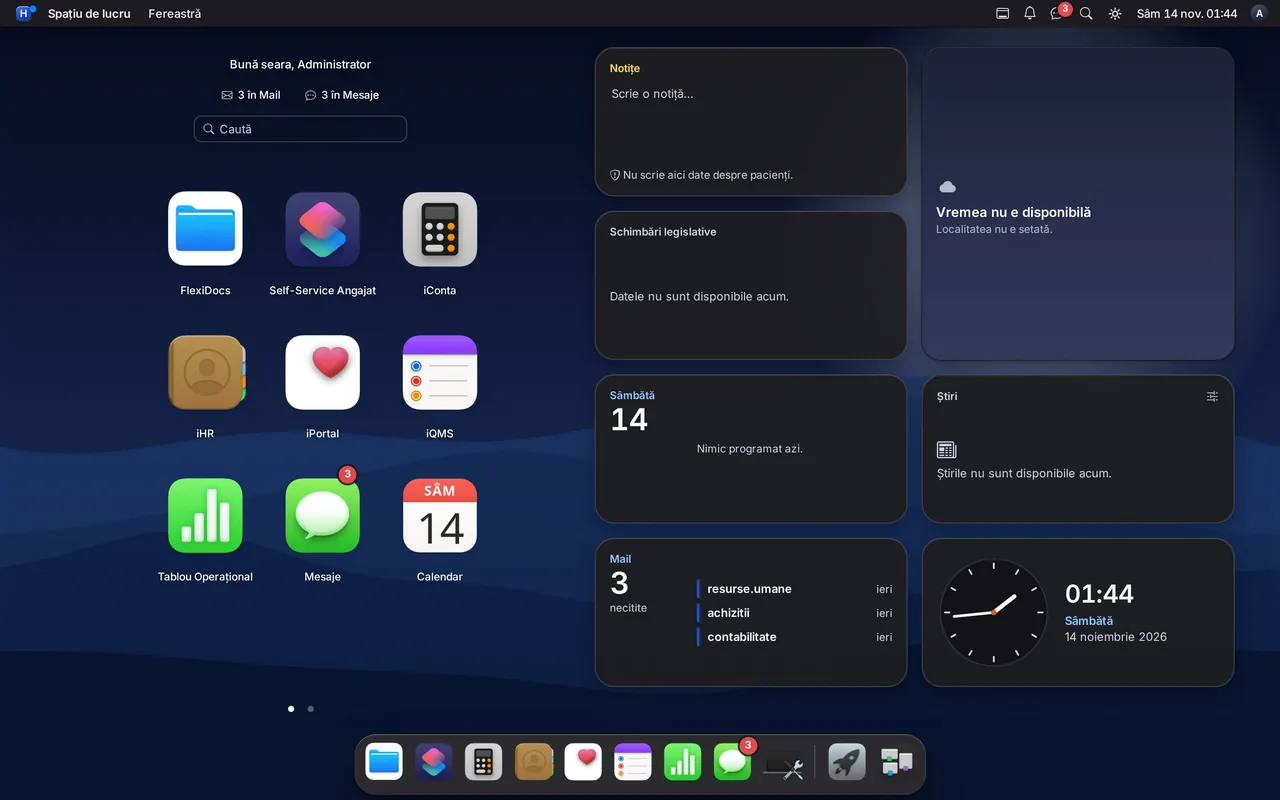
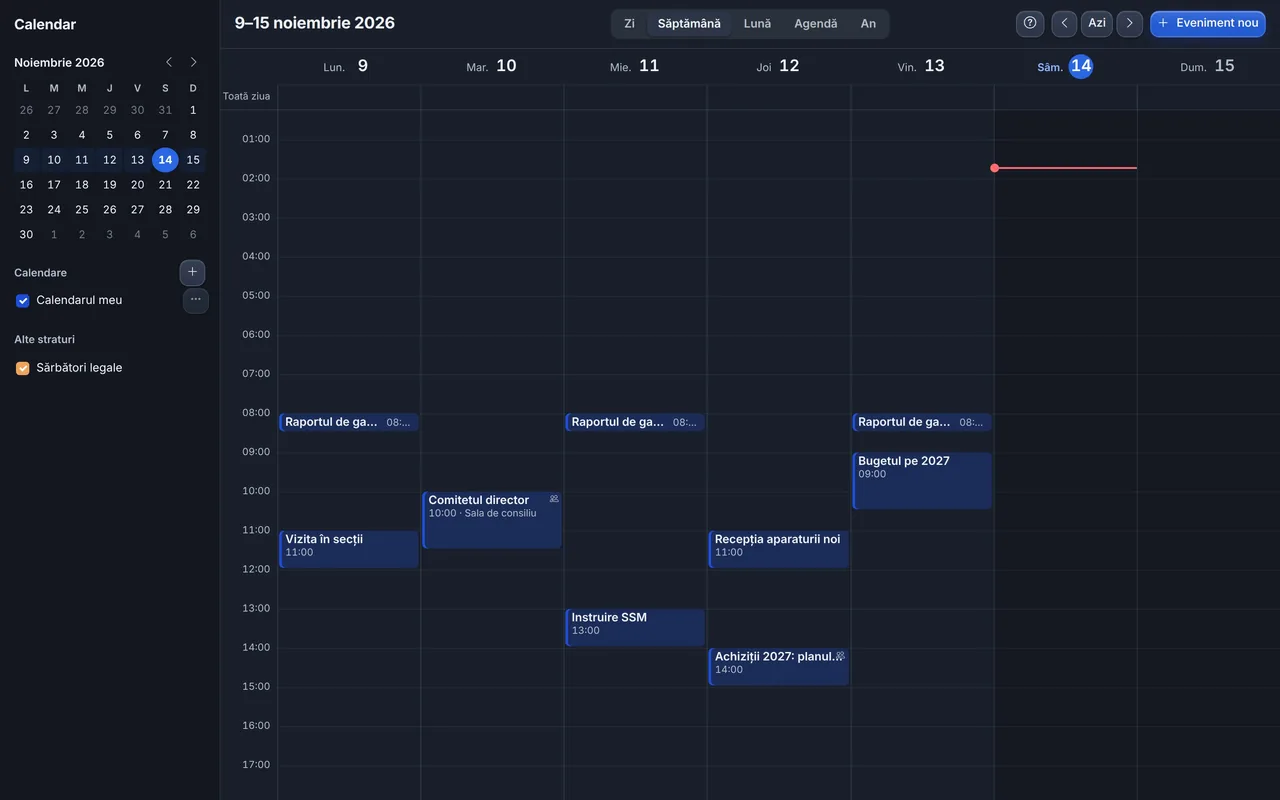
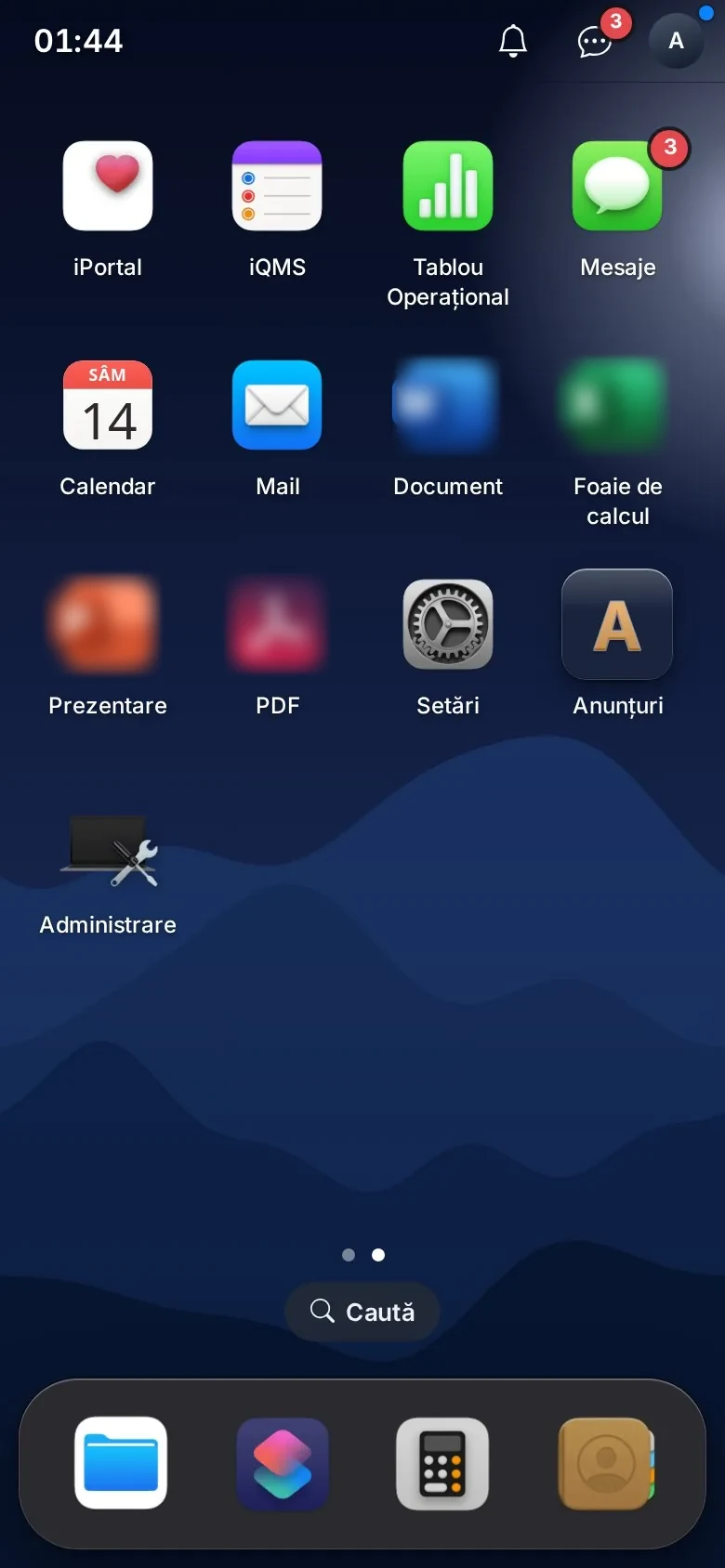
On the start screen you see the day's meetings, the latest emails and messages and the announcements. With Ctrl+Space you search for a colleague, a message or an application. On the phone you have the same things, in the application installed from the browser.
Accountant
Where are the invoices received by email this month?
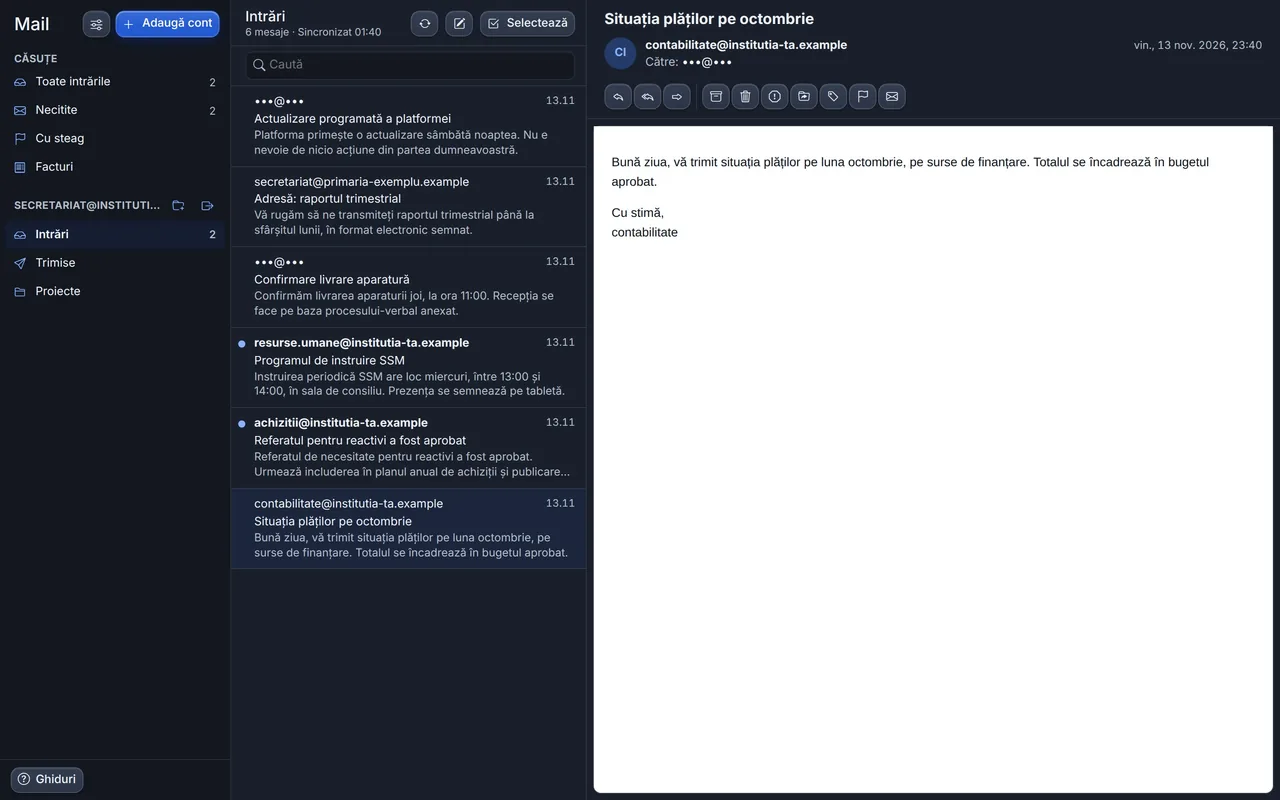
The «Invoices» section in email collects the attachments that look like invoices, including the e-Factura XML downloaded from SPV, with the reason they were recognised. You download them one by one or in a ZIP archive, and what is not an invoice you mark «Not an invoice». Nothing goes automatically to other applications.
The person responsible for training
How do I collect the signatures from the SSM training?
You generate the minutes from the template, with the participants chosen from the organisational chart. Each person signs on the tablet, with their finger or with a stylus, and the signed PDF is downloaded. If the training was signed on paper, you scan the sheet and attach it.