For town halls and public institutions
Salaries calculated in iHR go straight into the accounts, and incoming invoices are linked to the goods receipt and the CFP approval. Urban planning applications have their legal deadline tracked at every step.
The file of an urban planning application, open in Urbex.
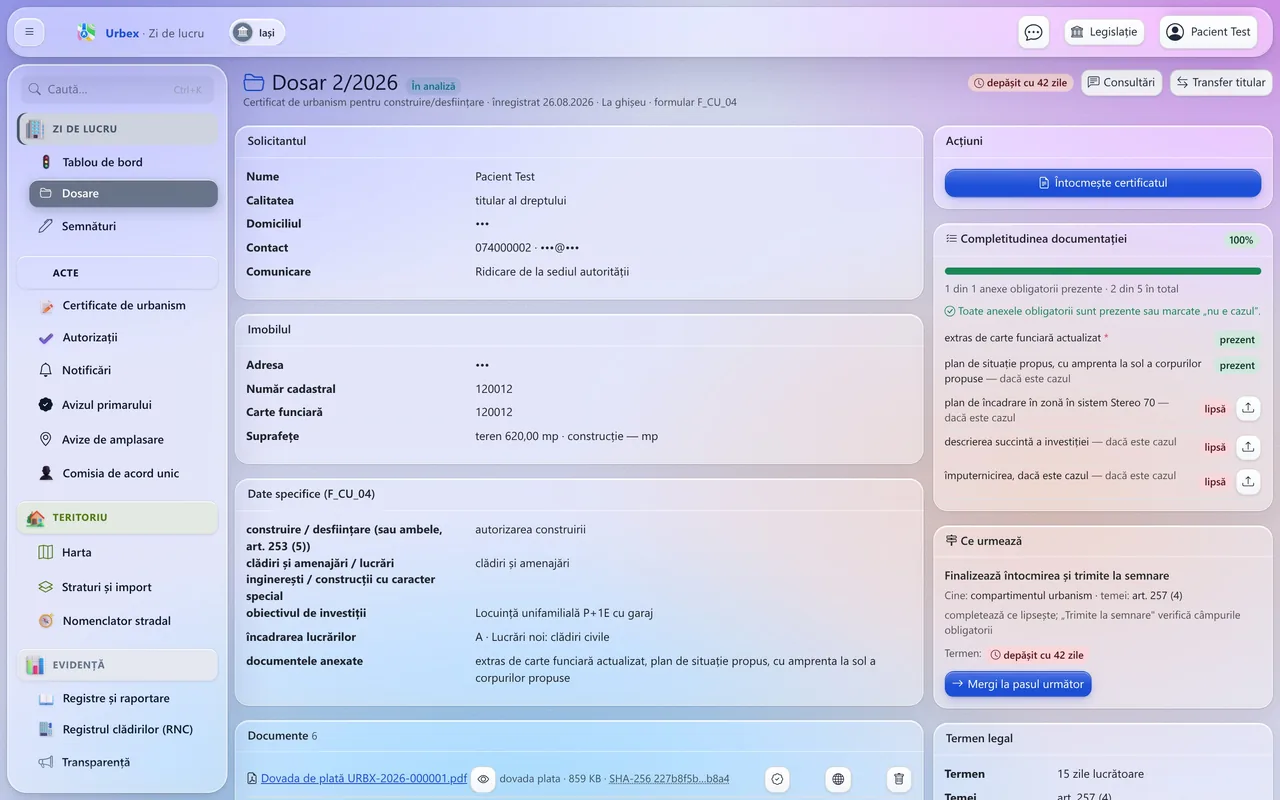
The five steps of an urban planning application
The file goes through the registry office, review, signing and publication, with the legal deadline tracked at every step.
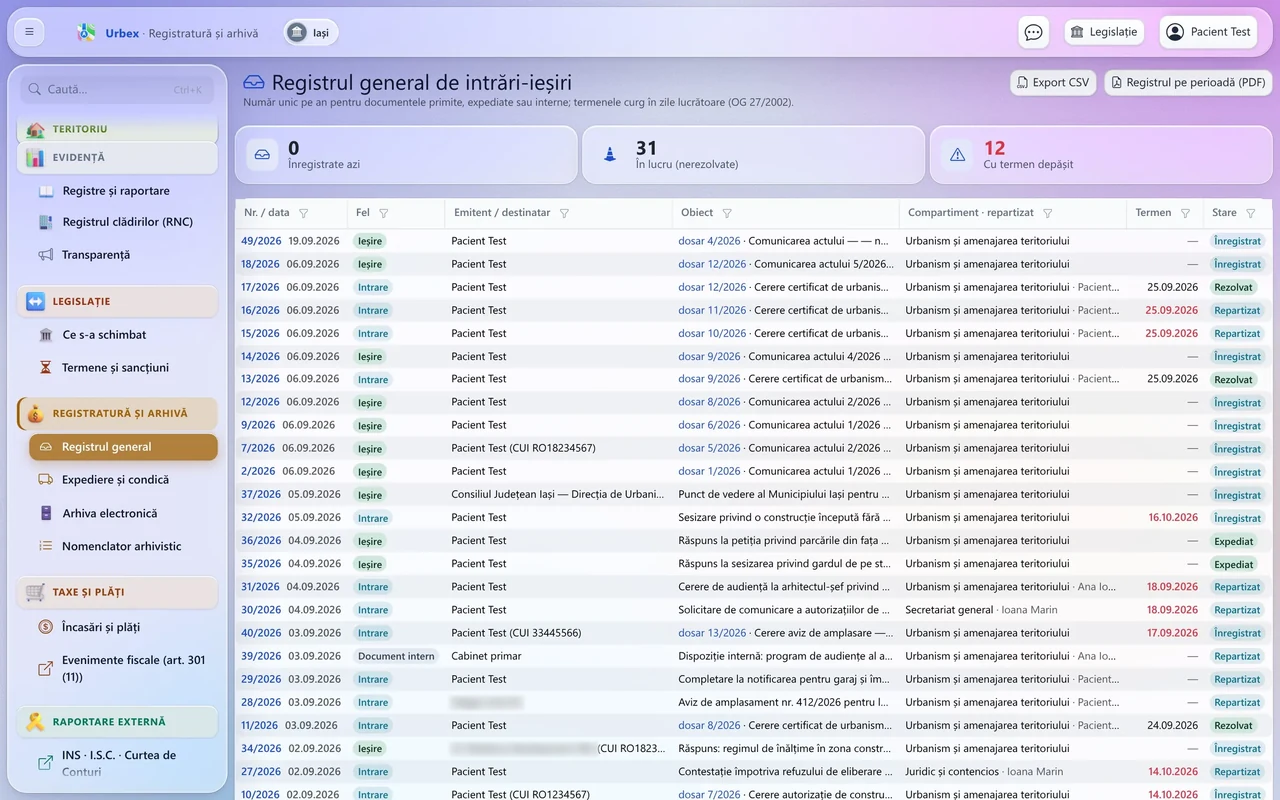
The application is registered in the general register, at the counter or online.
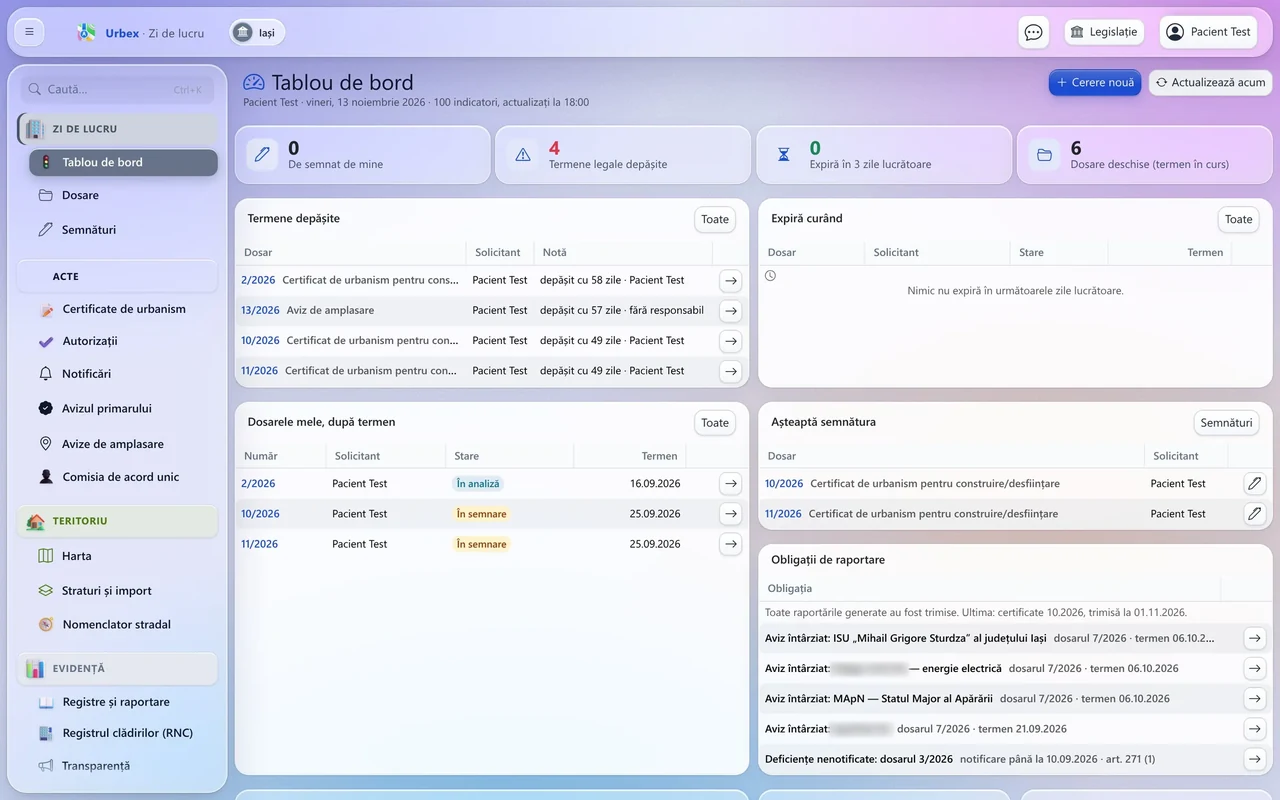
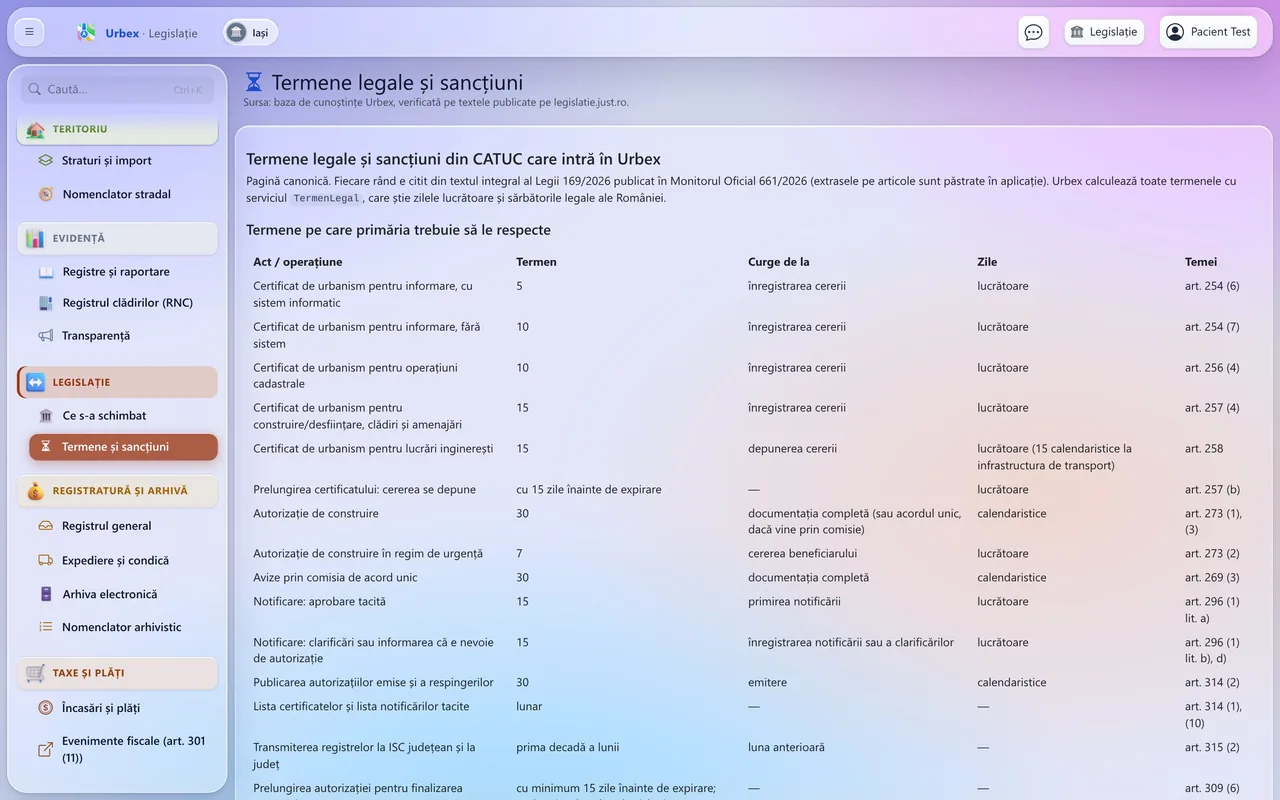
The deadline is tracked on the dashboard, which shows what is about to expire and what is past its deadline.
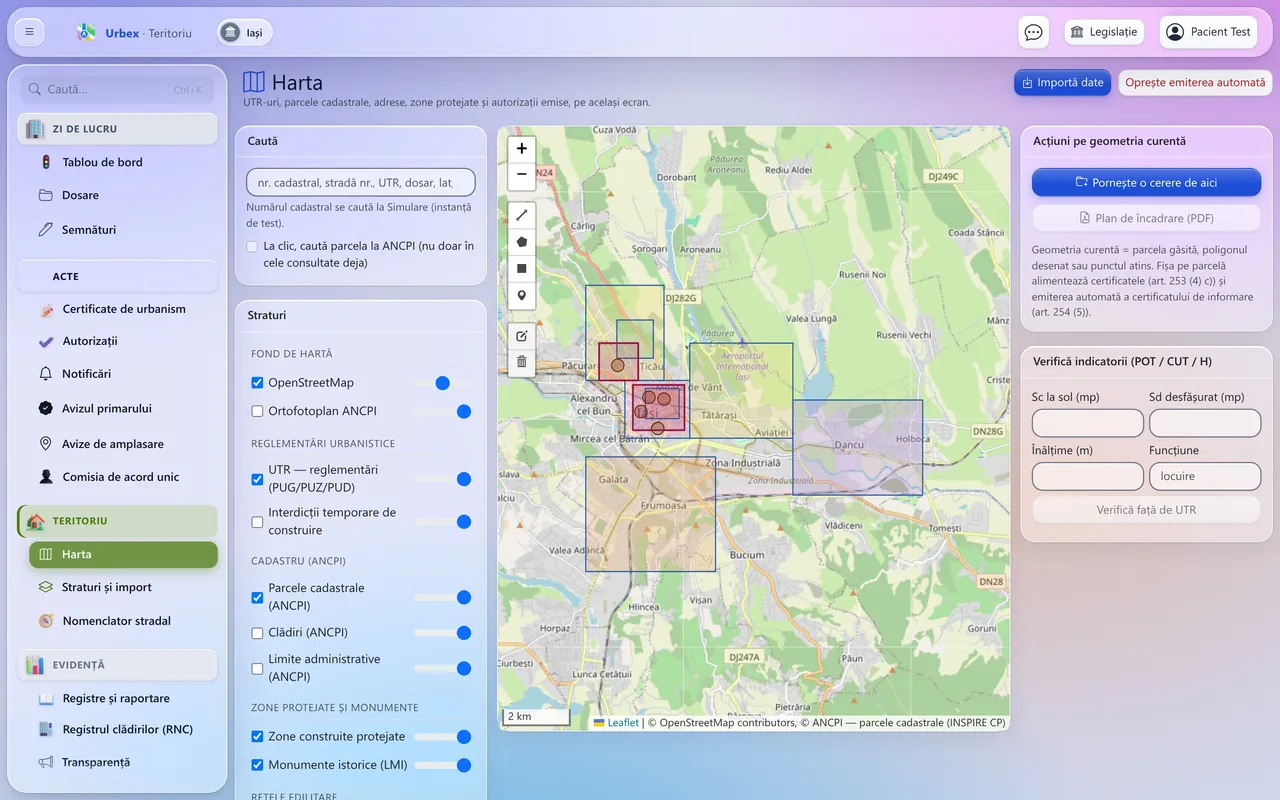
The application is reviewed on the map with the plot and the planning regulations in the same place.
The document is issued with an electronic signature.
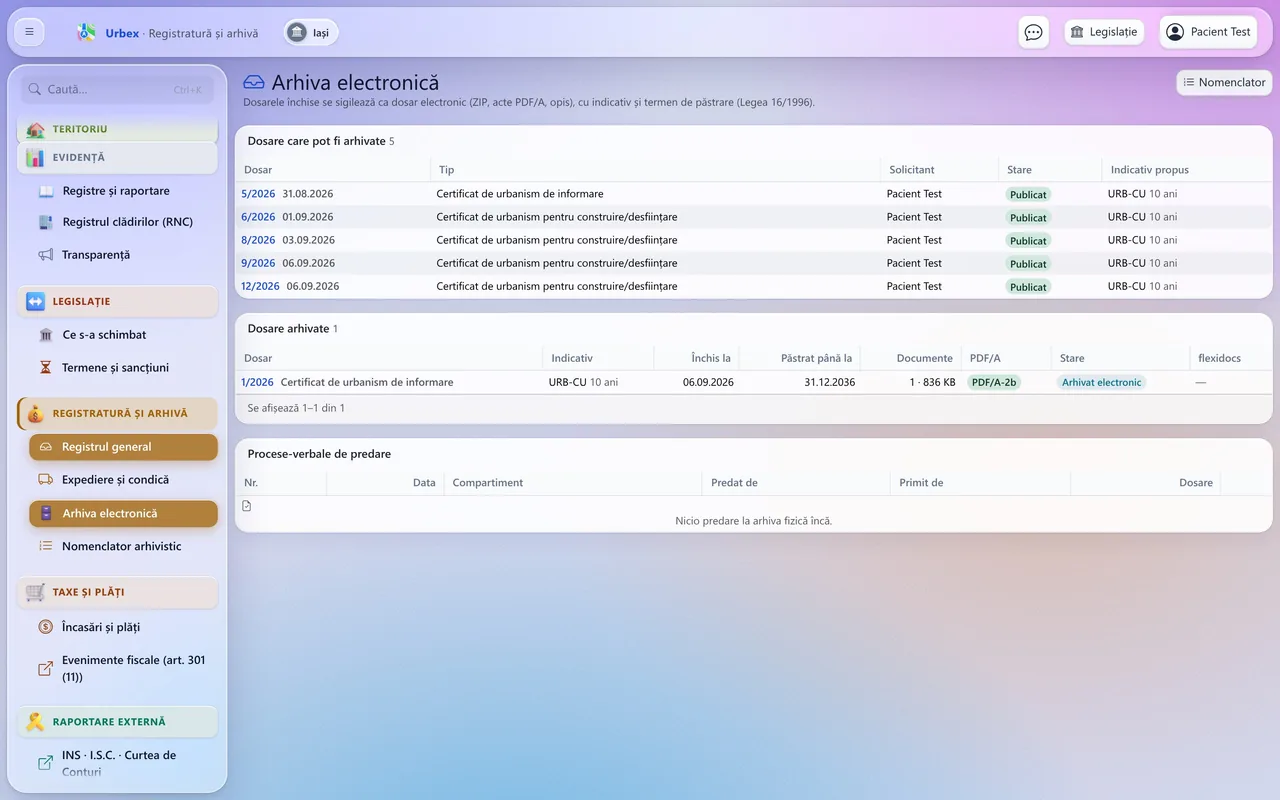
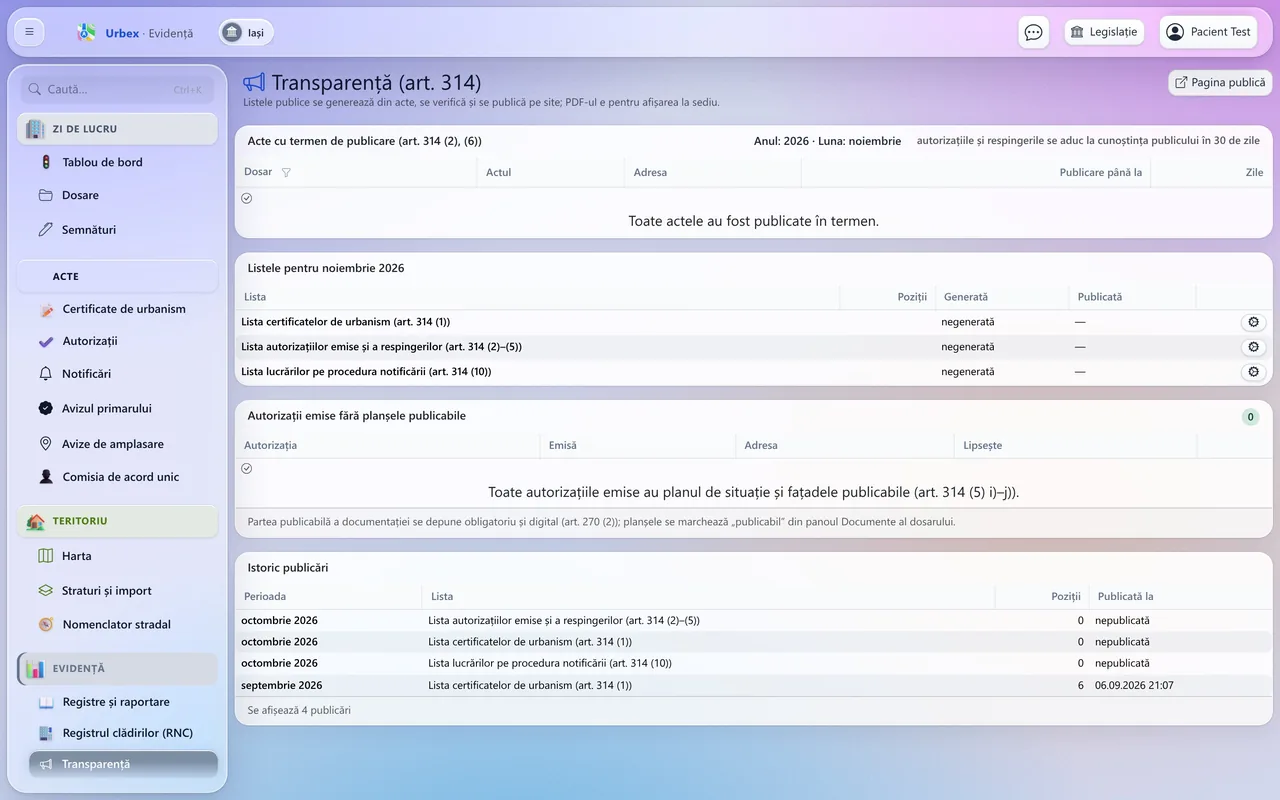
The document is published and archived in the transparency section and in the electronic archive, with its retention period.
Urbex modules, from the dashboard to the archive
01 Dashboard
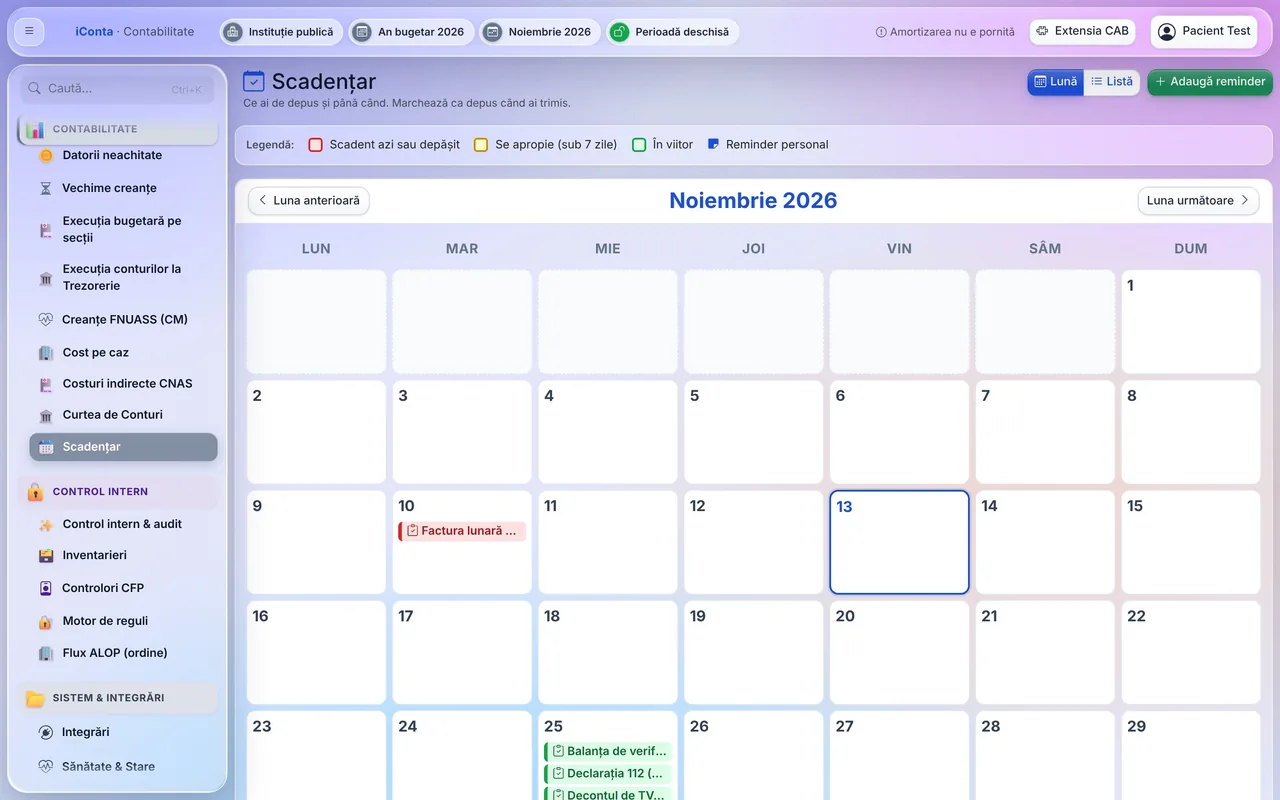
iConta · iHR
Budget and staff
iConta keeps the budgetary accounts, with ALOP and FOREXEBUG. iHR keeps the staffing table and the salaries. Both use the user accounts and the organisation chart from Hypen One, just like Urbex.
iConta · iHR · FlexiDocs · iQMS
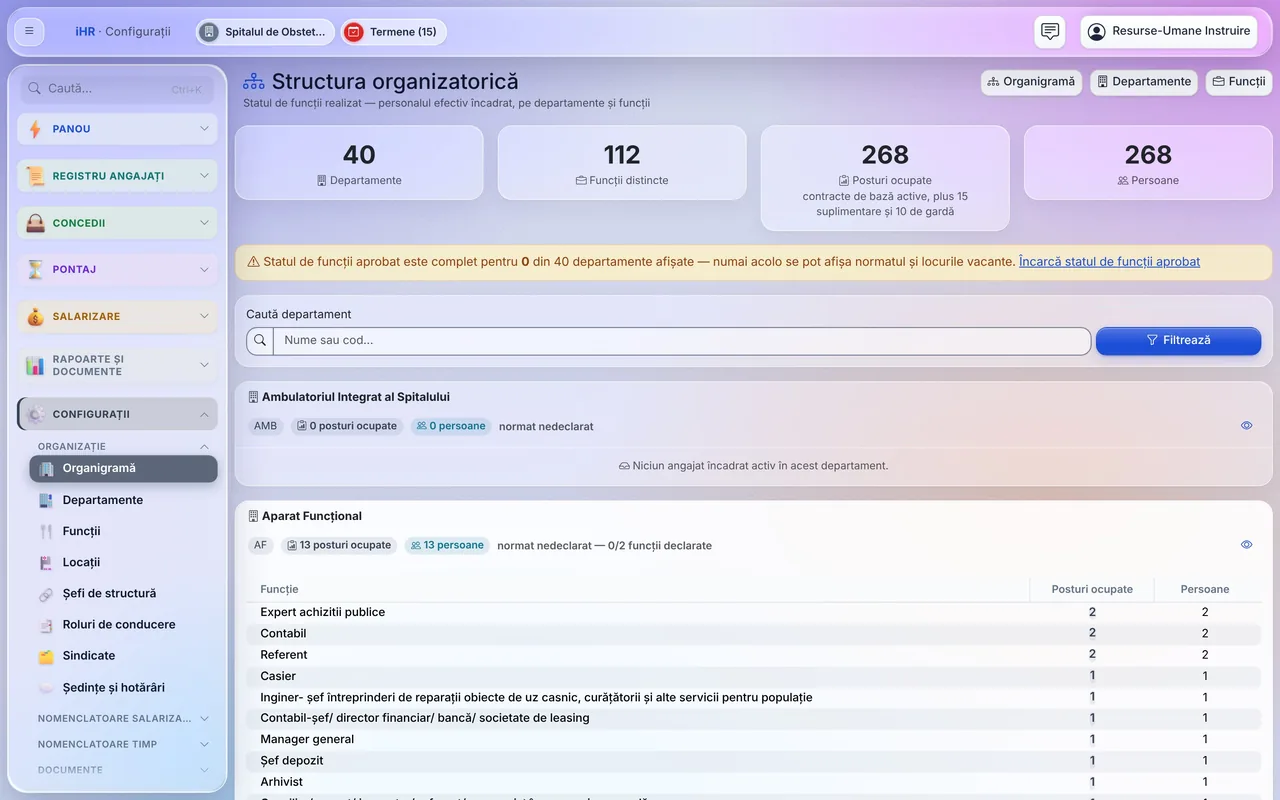

Products for town halls and public institutions
- Hypen OneOne account for the whole office: messages, calendar, mail and documents.
- UrbexUrban planning and registry office for town halls.
- iContaBudgetary accounting, with ALOP and CFP approval.
- iHRFrom the employment contract to the payroll.
- FlexiDocsElectronic archive and signing workflows.
- iQMSProcedures, the risk register and the SCIM self-assessment.
- CertaSignAdvanced electronic signature, on its own PKI.