For hospitals and medical practices

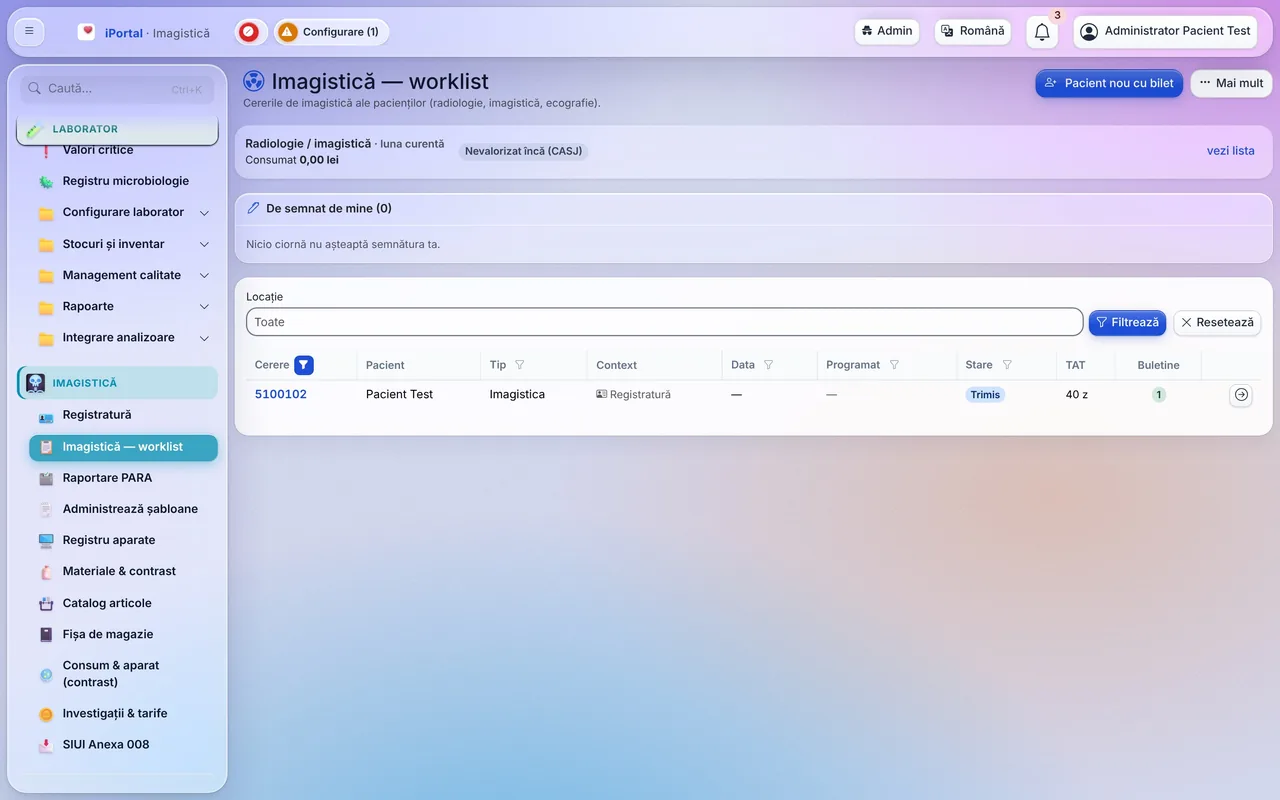
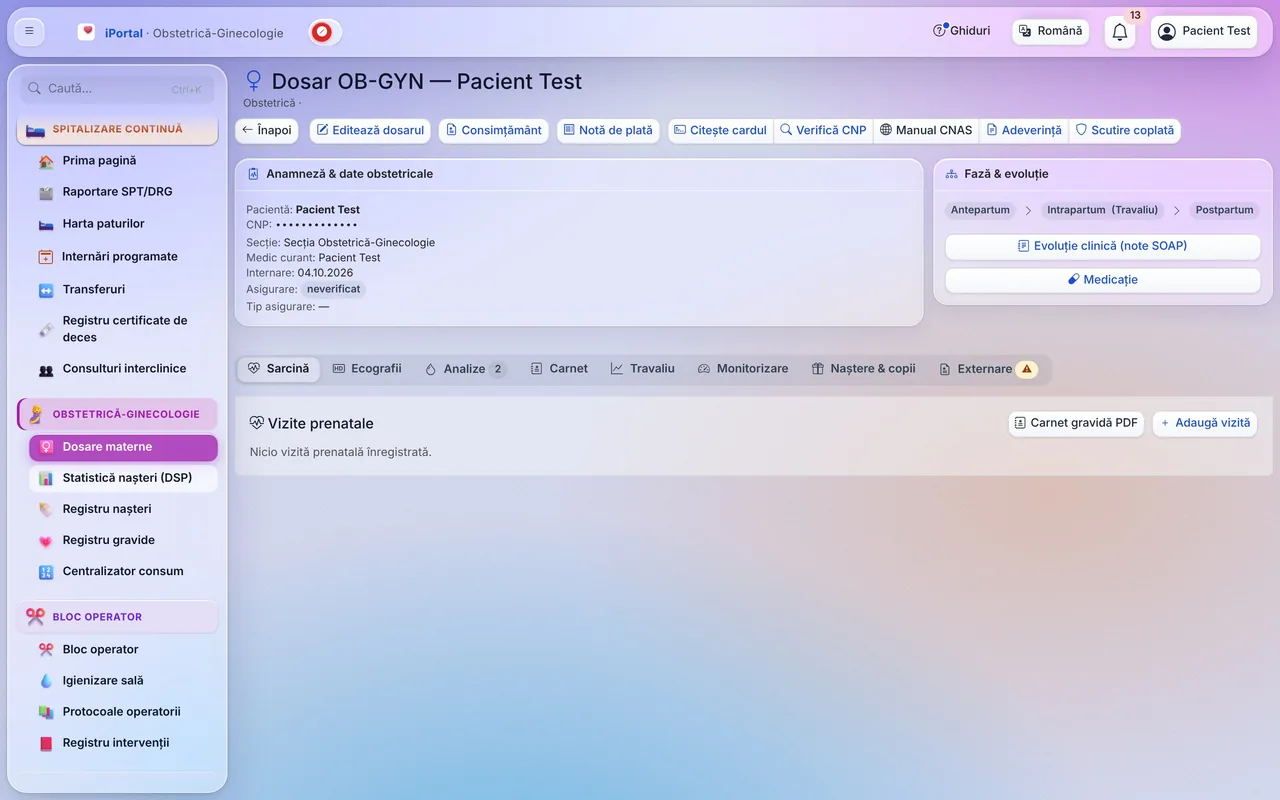
The doctor sees the patient’s admissions, tests and prescriptions in one record. The statistician sends the monthly CAS report from what is filled in there.

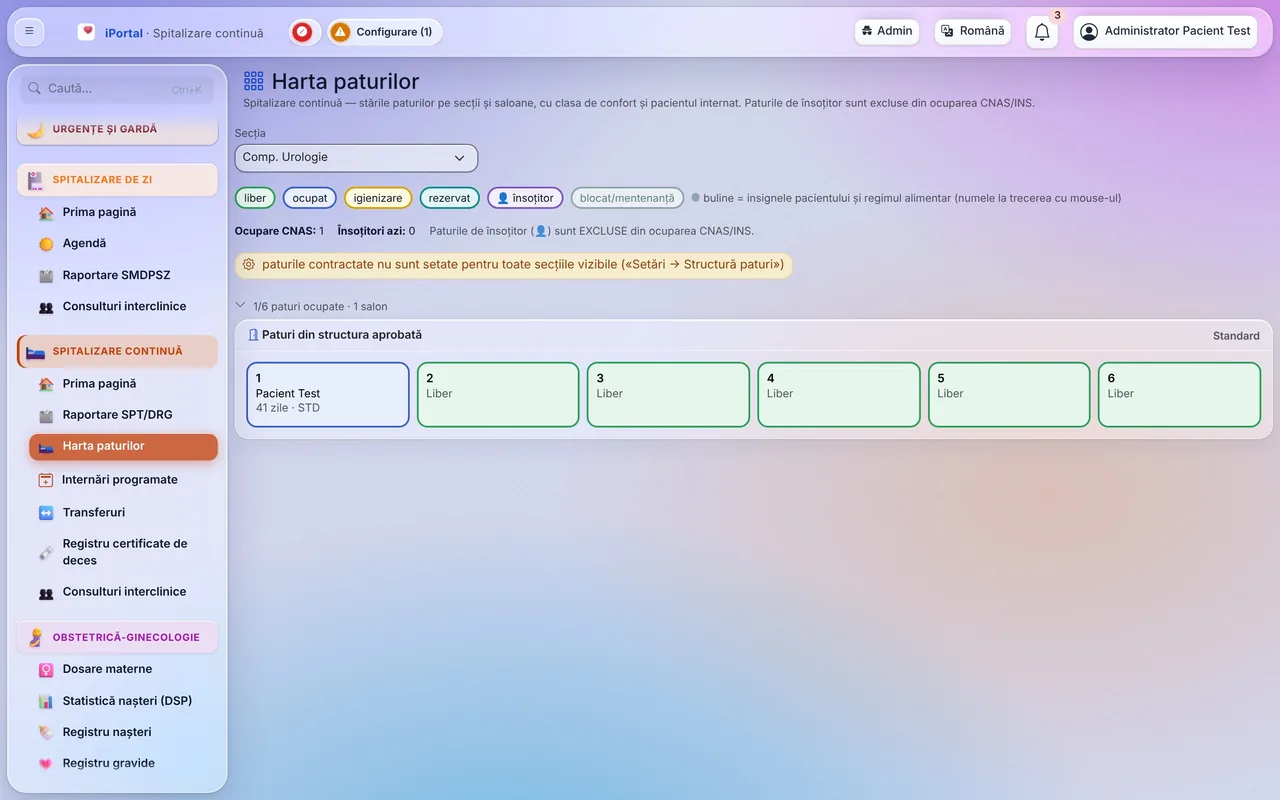
The bed map shows which beds are free and which are occupied.

The bed map in iPortal
The bed map, in iPortal.

What is updated when a patient is discharged

A discharge done in the record reaches the bed map, the patient’s documents, the accounts and the pharmacy.

  1. The bed is freed and shows as free on the bed map, for the next admission.

  2. The discharge documents go into the record: the discharge note, the medical letter and the statement of costs.

  3. Accounting receives the monthly invoice to CAS in iConta.

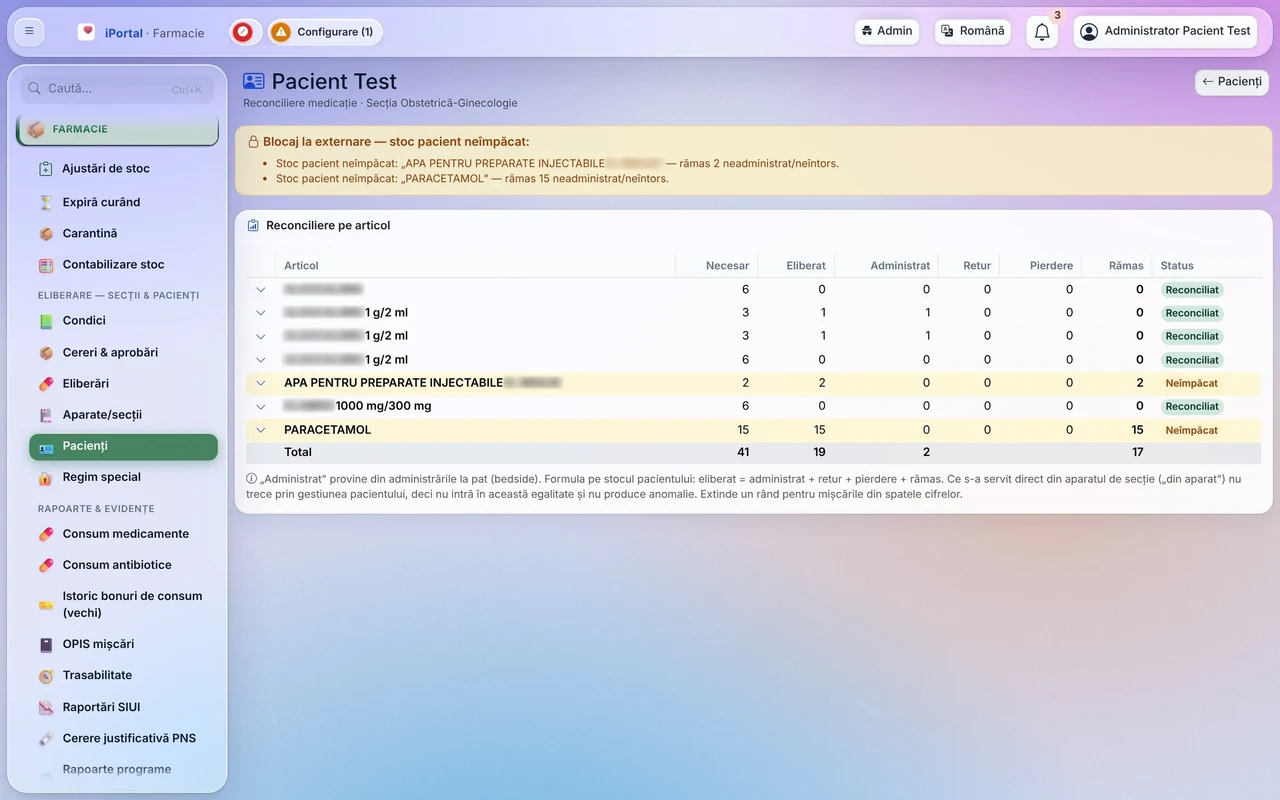
  4. The pharmacy reconciles the patient’s medicine stock before discharge.

What is updated on admission, on prescribing and on lab tests

Three common actions in the record and what iPortal updates automatically after each of them.

On admission

  1. The bed shows as occupied on the bed map from the moment of admission.

  2. The inpatient medical record is opened with the attending doctor and the time of admission.

  3. The audit log records who performed the admission, in which doctor’s name and when.

When the prescription is issued

  1. The reimbursement is calculated on the diagnosis of each item, according to the CAS list.

  2. The prescription is sent to SIPE through a transmission queue: if SIPE does not respond, the sending is retried automatically.

  3. The prescription goes into the patient’s history, next to the previous prescriptions.

For laboratory tests

  1. The analyser receives the worklist when it scans the tube’s barcode.

  2. The result goes into the record, and a critical value triggers an alert.

  3. The reagent is deducted from stock, starting with the batch that expires first.

  4. The report is released only after validation and after the critical values have been confirmed.

A working day in the hospital, in iPortal

08:00 Admissions

iPortal

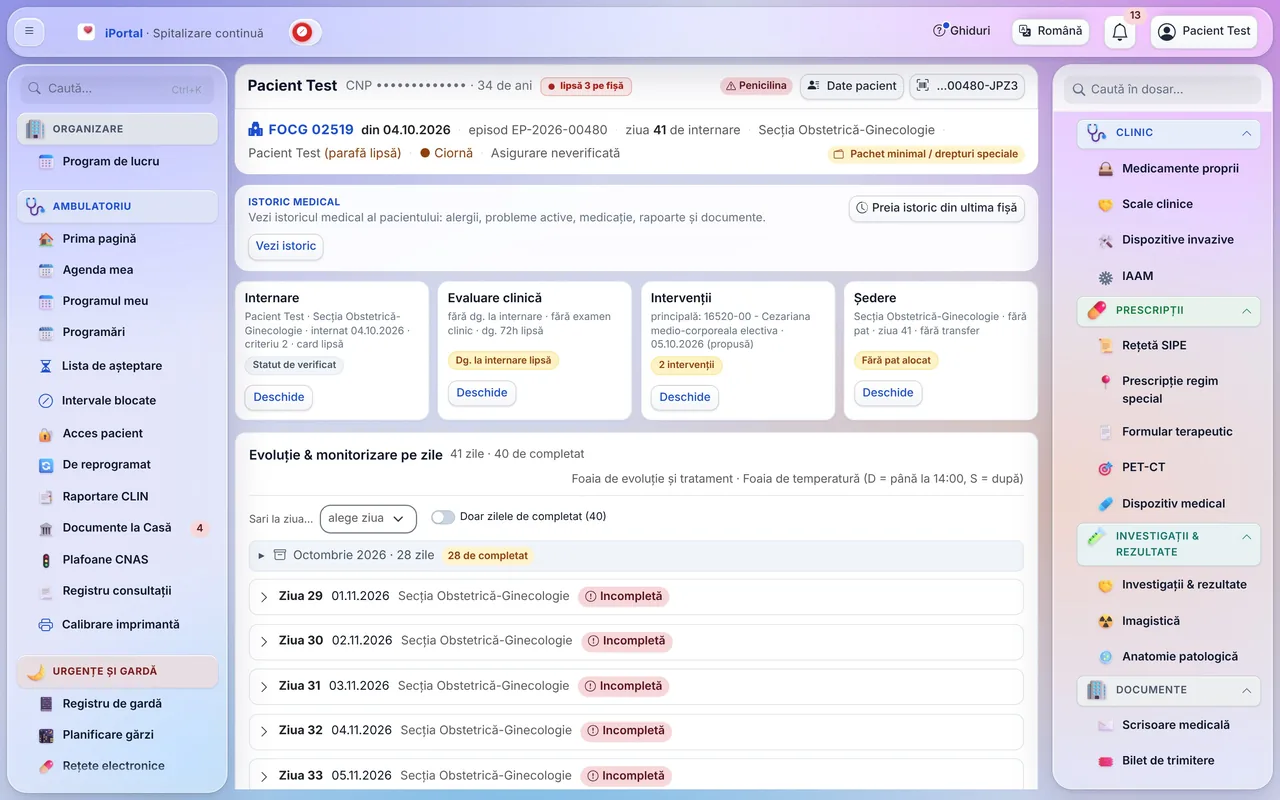
Inpatient and outpatient care, in the same record

The steps that an inpatient and an outpatient go through. Each step is recorded in the same record.

Inpatient stay

The inpatient’s steps

  1. AdmissionOn arrival, the referral note and the insured status are recorded.
  2. BedThe patient is given a bed on the bed map, by ward and room.
  3. Inpatient medical recordThe doctor records the day-by-day progress and the care plan.
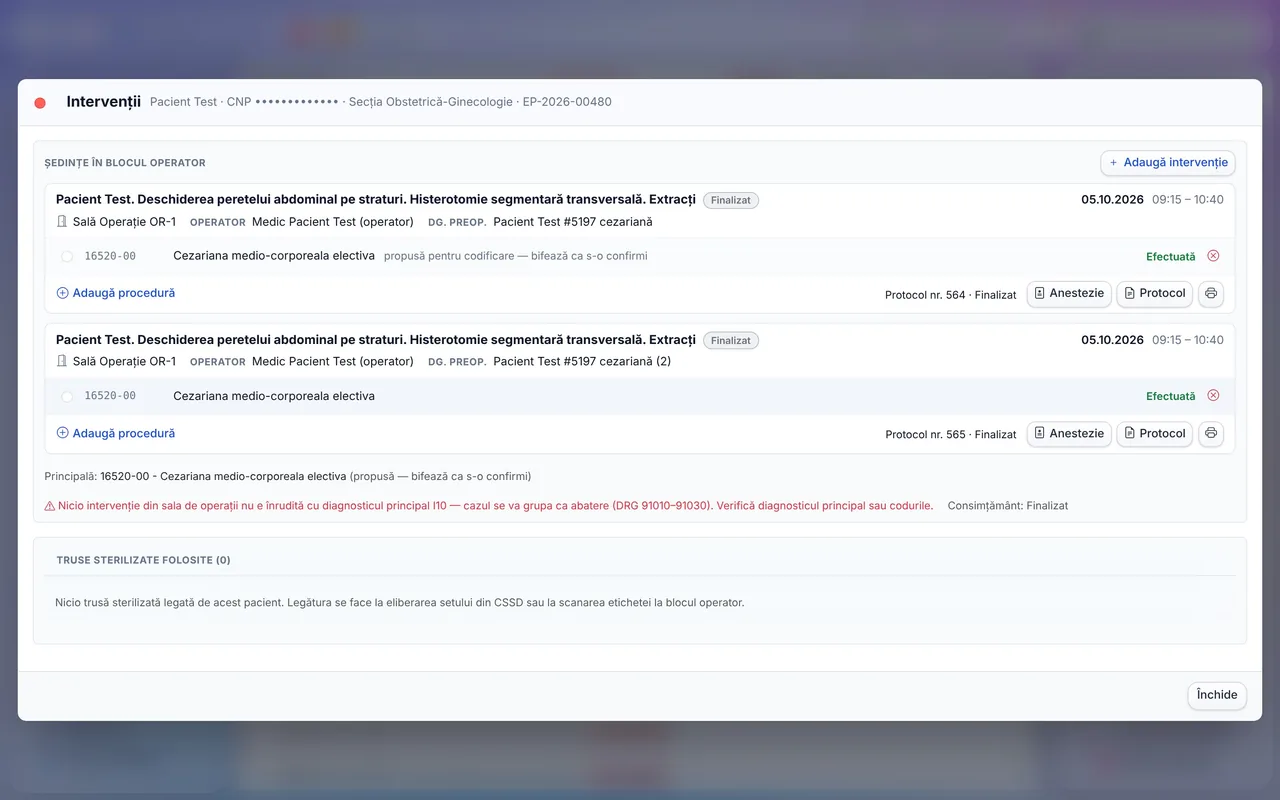
  4. Operating theatreThe operating theatre is booked and the operative report is filled in.
  5. ATIThe observation chart is filled in hour by hour.
  6. Ward pharmacyMedicines are dispensed on the ward’s requisition book, for each patient.
  7. DischargeThe medical letter and the sick leave certificate are issued, and the bed is freed automatically.

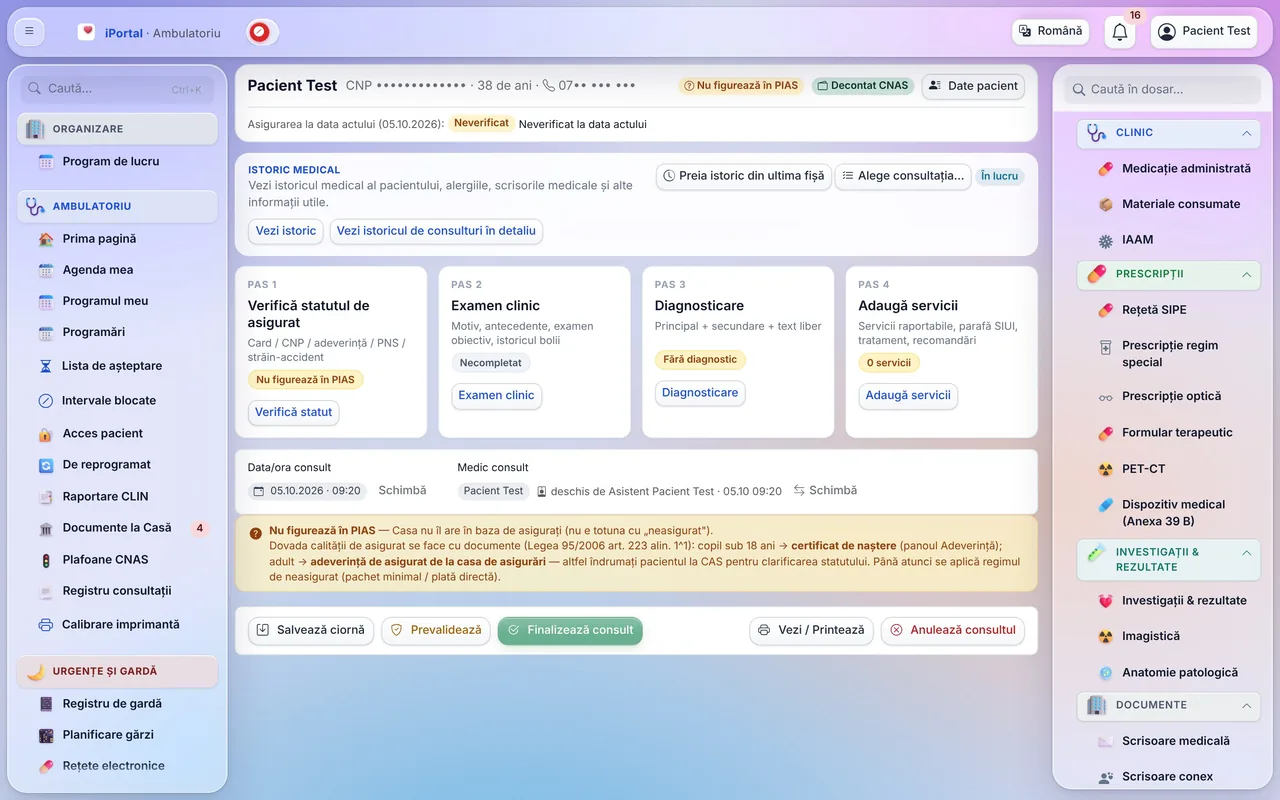
Outpatient care

The outpatient’s steps

  1. SchedulingThe patient books online, without an account, or at the desk. There is also a waiting list.
  2. The day’s listThe doctor sees the day’s patients, filtered by department and by doctor.
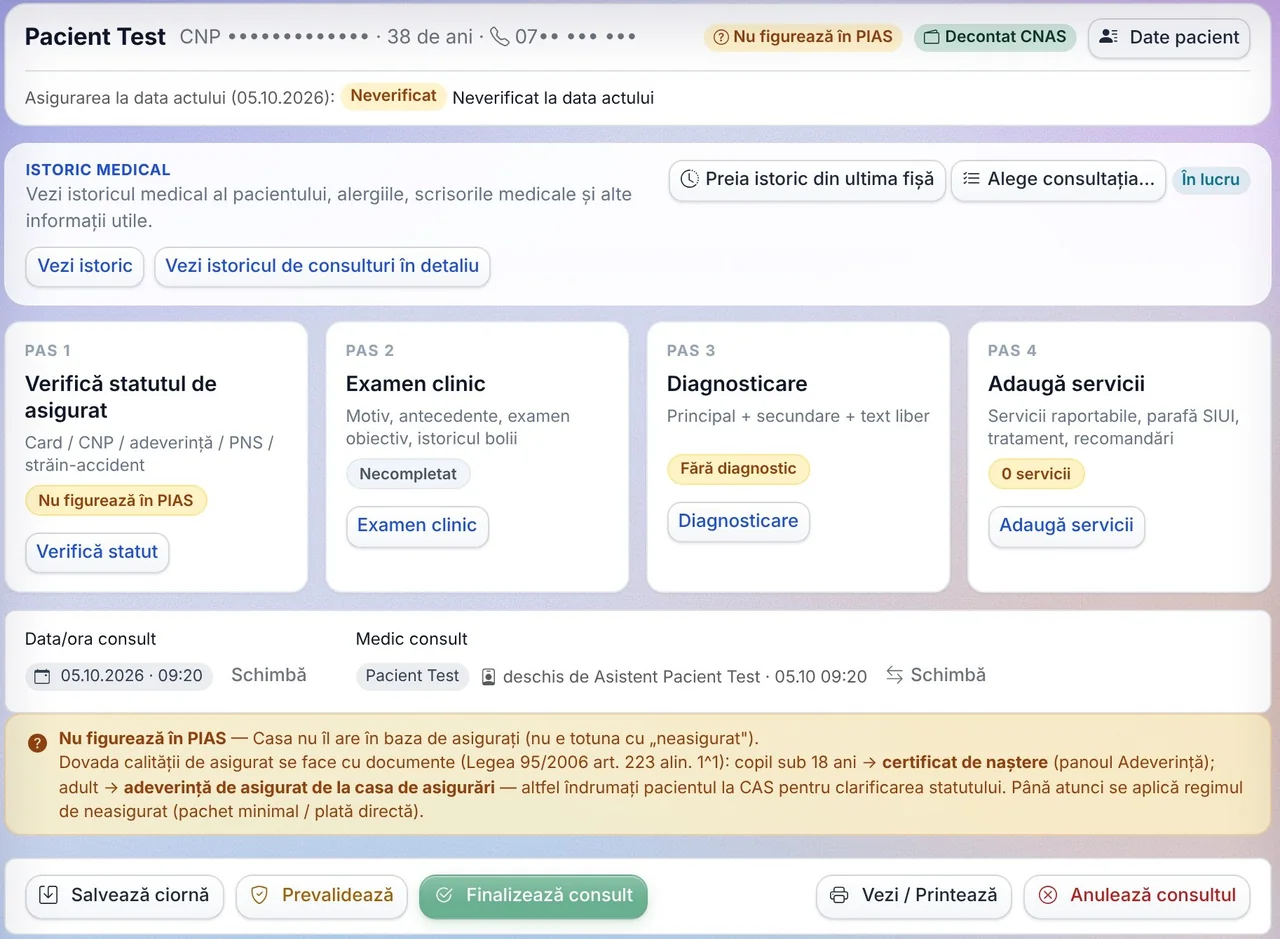
  3. ConsultationThe form has four steps, from the insured status to the services provided.
  4. PrevalidationSee what CAS would reject before reporting.
  5. SIPE prescriptionThe reimbursed prescription is signed with the card or with the doctor’s USB token.
  6. Referral noteThe referral note is issued from the consultation, with a series and number.
  7. CLIN reportingConsultations validated by the doctor are reported to CAS monthly.

Day hospitalisation uses the same record, with the schedule, the visits and day admission.

For management

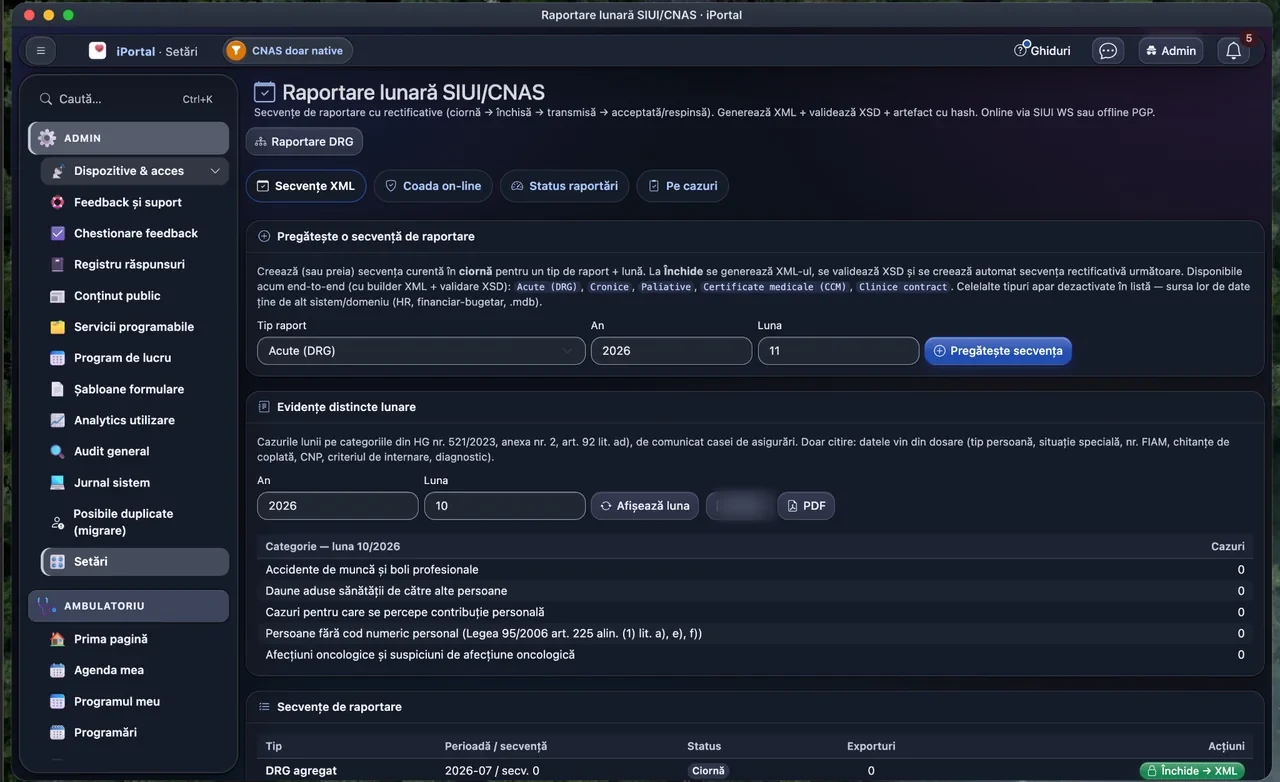
Monthly reporting to CAS

The statistician prepares the monthly report from what was entered in the records: the sequence, the XML file and its validation, in the same place.

Monthly SIUI reporting in iPortal: preparing the sequence by report type and month, the reporting sequences and their status
Monthly reporting to CAS, in iPortal: the sequence is prepared as a draft, and on closing the application generates the XML file and validates it against its schema. Technical validation does not guarantee acceptance by CAS.
118modules in iPortal, from appointments to reporting to CAS
402panic buttons handed over at the hospital in Râmnicu Sărat, across 15 wards
1 accountfor all the applications, with the same organisation chart

Case studies: Buftea Obstetrics and Gynaecology Hospital, Smeeni Chronic Diseases Hospital, Săpoca Psychiatric and Safety Measures Hospital, Râmnicu Sărat Municipal Hospital. See what these institutions use

How we implement

What the subscription terms say and how the Buftea hospital project went

The terms below are the ones published for subscriptions bought on hypen.ro. A public hospital buys through SEAP, on the basis of our quotation, in the procurement procedure that applies to it.

Installation and what the subscription includes
We install the platform at the address in the order once the first payment is confirmed and e-mail the administrator’s access details. Hosting, maintenance, updates, backups and support are included in the subscription. Support answers by e-mail and phone on working days.
What is contracted separately
Training at the hospital’s premises, migration of data from other systems, custom development and integrations with other providers’ systems are not included in the subscription unless the order says so.
Accounts and Hypen staff access
The hospital creates the users’ accounts and sets their roles and rights. Hypen staff access the platform only for support, maintenance or security, or at the hospital’s request, and each support access is recorded in the audit log.
Exporting the data
The hospital can export all its data, including the change history and audit logs, in a structured format, with documents in their original format. Hypen charges nothing for exporting the data or for switching to another provider.
At Buftea: the data from the old system
The data from the hospital’s previous system was brought in with DataForge. The record holds 10 years of history: 989,672 episodes from 2016–2025.
At Buftea: the applications installed
iPortal, iQMS, iHR, iConta and FlexiDocs were installed in June 2026, with a single account for all of them, in Hypen One. Self-Service for employees followed in September 2026. On 14.11.2026, all seven applications were running in production, on the latest version.
DataForge

Moving from the old system without stopping the hospital

  1. 01We copy the data

    The data from the old system is copied into a separate database. The old system is only read, not modified.

  2. 02We reconcile

    We count and compare every table. The differences appear on a list.

  3. 03We work in parallel

    The hospital team learns on the copy, while the old system keeps running.

  4. 04We switch over

    The switch is made only once the list of differences is empty.

Products for hospitals

A 30-minute presentation with the team

We show you the workflows you care about, online or on site, and answer your questions. We write back within one working day to set the time. If you want to see the applications right now, try them on test data, free and without a card.